IPTV ANDROID GUIDE 2025 The Best IPTV Android Apps and Streaming Tips
Welcome to the complete IPTV Android Guide for 2025. This walkthrough covers everything from installation and app selection to troubleshooting and 4K optimization on Android TV, Google TV and smartphones. We explore the top apps including IBO Player Pro, IPTV Smarters Pro, HOT IPTV, plus US‑market leaders like TiviMate, OTT Navigator and XCIPTV Player.
| Category | Quick Info |
|---|---|
| Main Keyword | IPTV Android |
| Last Updated | November 2025 |
| Supported Devices | Android TV, Google TV, smartphones, tablets |
| Recommended Apps | IBO Player Pro, IPTV Smarters Pro, HOT IPTV, TiviMate, OTT Navigator, XCIPTV |
| Top Providers | waipu.tv, Zattoo, MagentaTV, Joyn+ |
How to Install IPTV on Android – Step‑by‑Step
Setting up IPTV on Android has never been easier. Follow these simple steps to go from app installation to smooth 4K streaming.
-
Open the Google Play Store on your Android device.
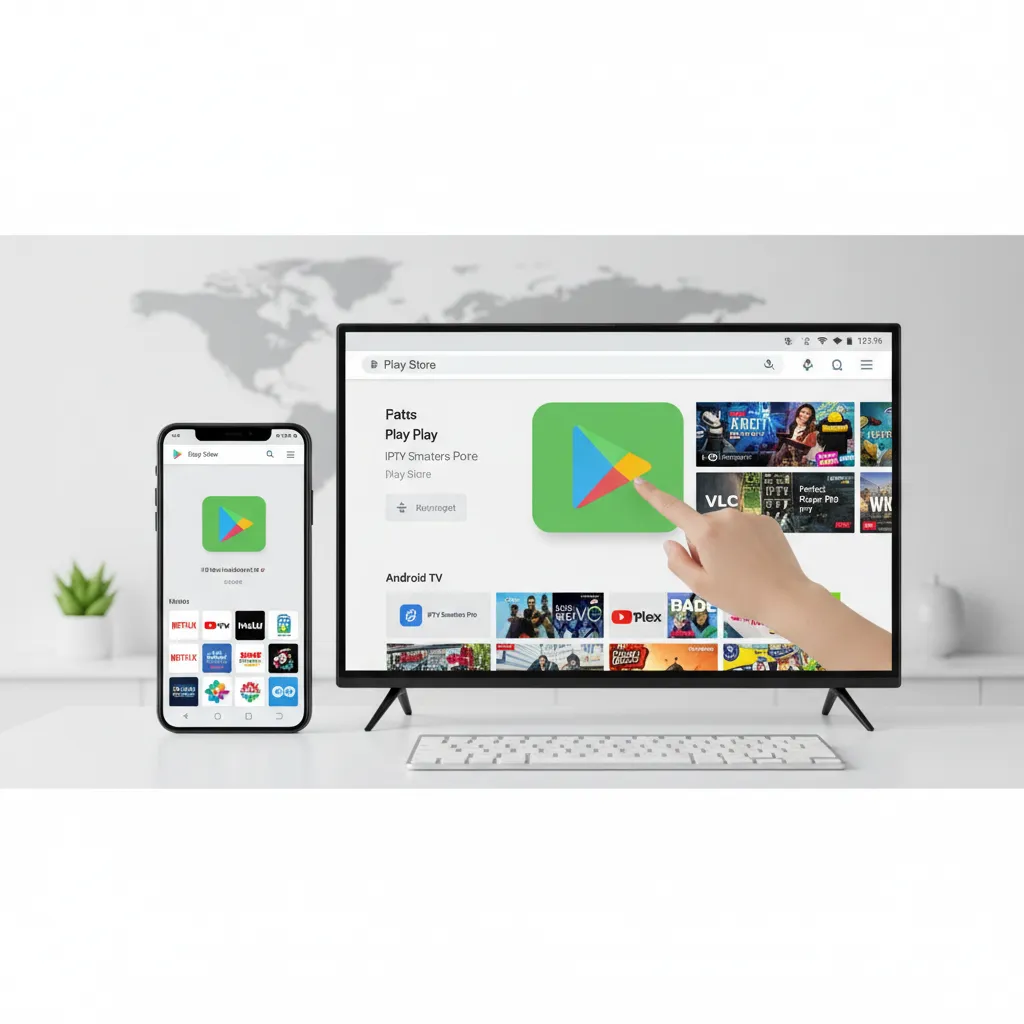
This is where you download your IPTV player.
-
Search for IPTV apps like IBO Player Pro, IPTV Smarters Pro,
HOT IPTV, TiviMate or OTT Navigator.
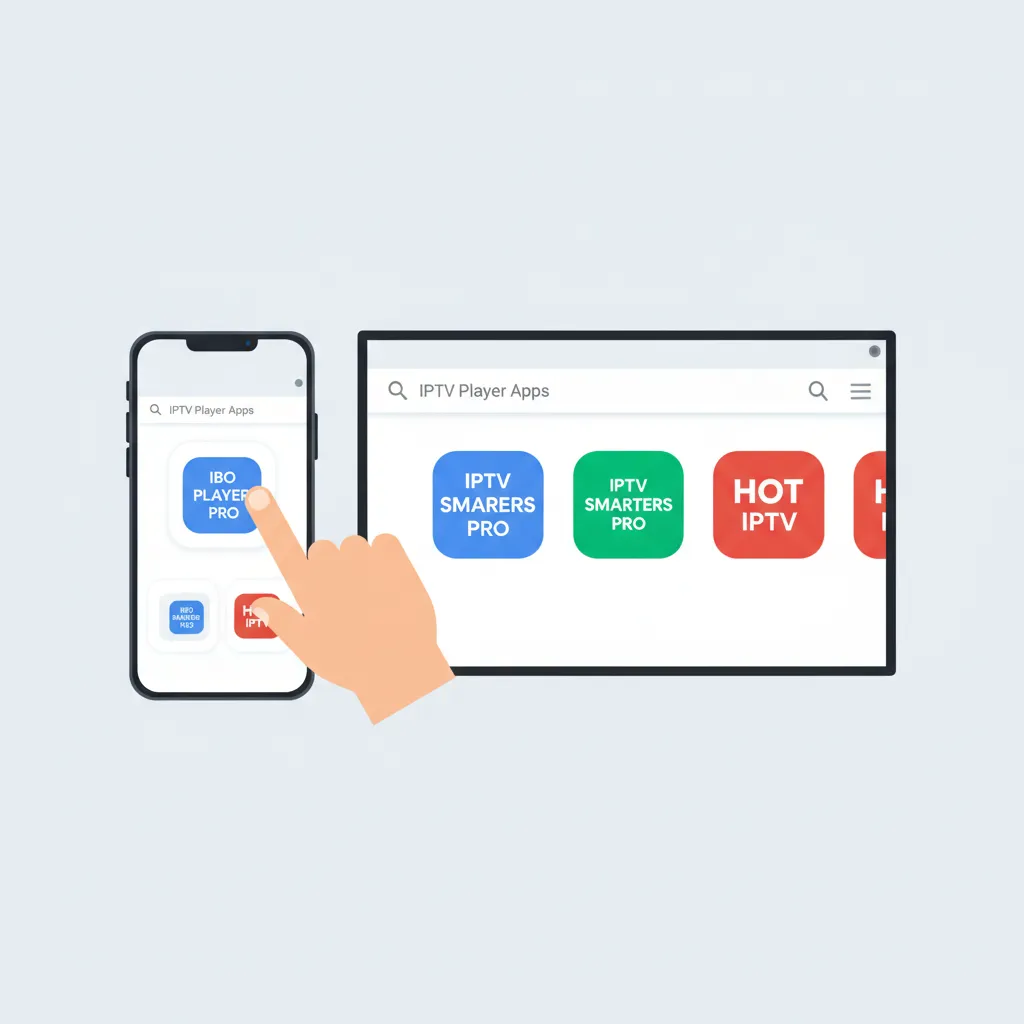
Choose the IPTV app that fits your needs.
-
Launch the app and follow the initial setup instructions.
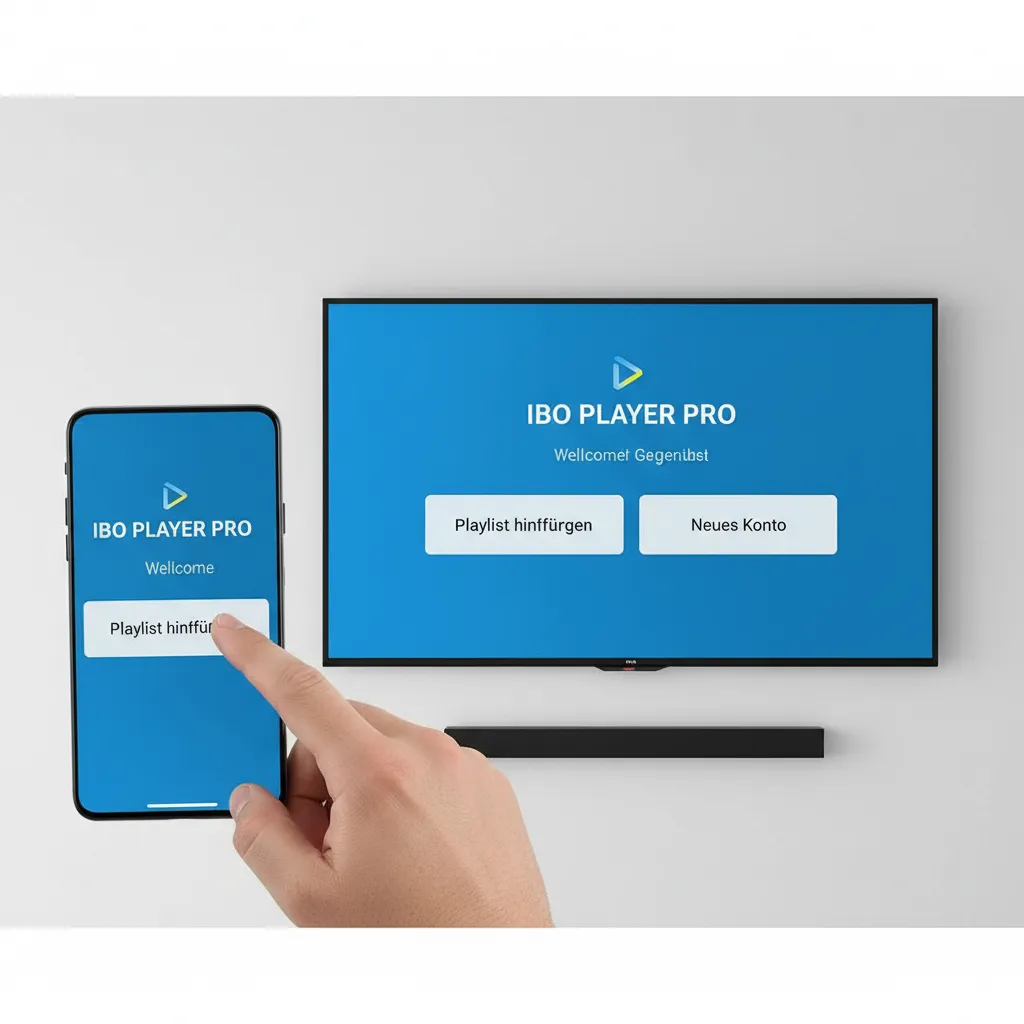
Most apps begin with a simple setup screen.
-
After setup, the app loads channels, EPG and guide data.
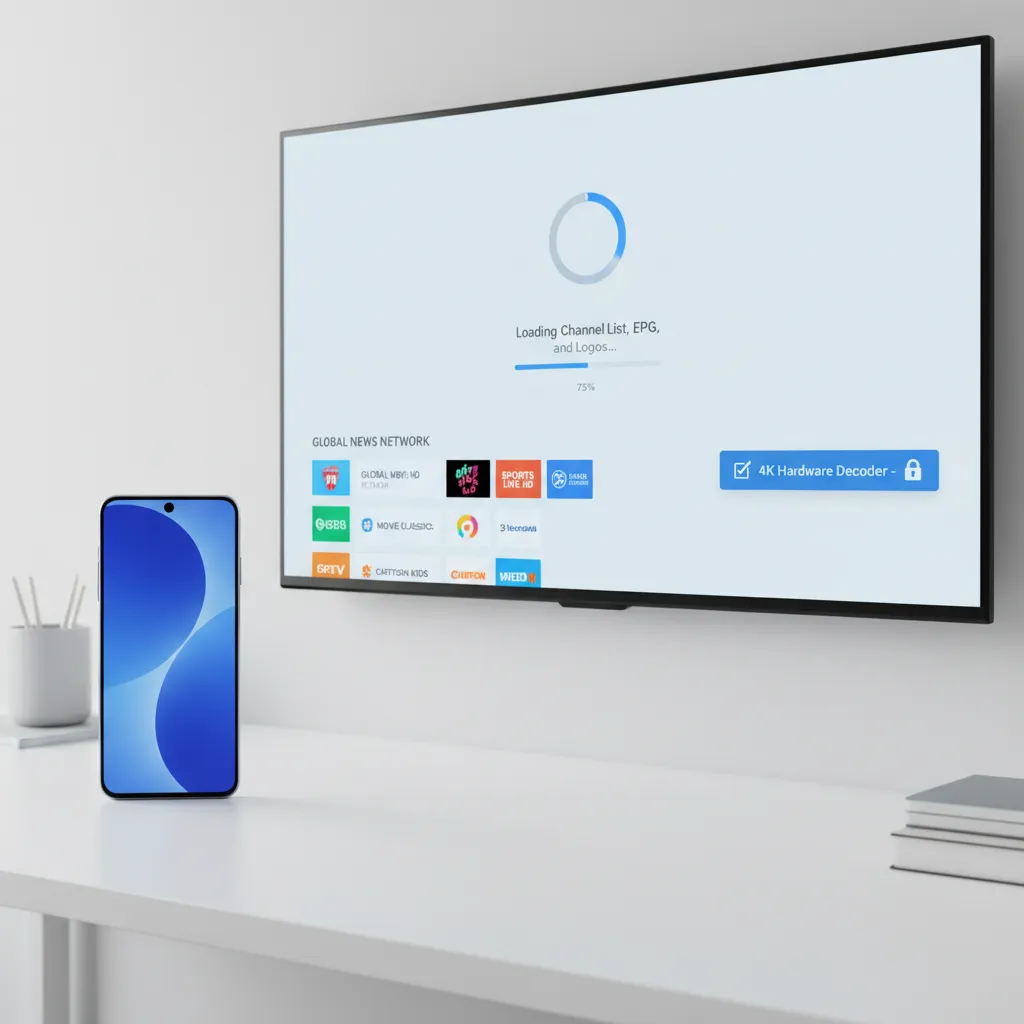
Enable hardware acceleration for smoother 4K playback.
Best IPTV Android Apps in 2025
IBO Player Pro – Premium, Fast and Ultra‑Stable
IBO Player Pro stands out as one of the most polished IPTV apps available for Android TV and Google TV. Its interface feels smooth, modern and built for high‑end devices, which makes it ideal for anyone who wants a premium streaming experience.
- Pros: Ultra‑fast navigation, HDR and 4K support, excellent stability, great for large playlists, cloud sync options.
- Cons: Requires a one‑time activation fee; advanced features depend on provider capabilities.
- Best for: Power users with Android TV boxes (NVIDIA Shield, Xiaomi, ONN 4K) who want professional‑level performance.
IPTV Smarters Pro – The Easy All‑In‑One Player
IPTV Smarters Pro remains a favorite because of its simplicity and broad compatibility. Whether you’re streaming live TV, browsing movies or creating kids‑safe profiles, everything feels straightforward.
- Pros: User‑friendly design, very easy onboarding, parental controls, VOD & series menus, works on phones and TV.
- Cons: Some advanced features require the paid version; ads in the free edition.
- Best for: Families, beginners and anyone who wants a simple all‑in‑one streaming solution.
HOT IPTV – Lightweight, Fast and Perfect for Live Channels
HOT IPTV is designed for users who want pure speed. There are no unnecessary menus or animations — just fast loading times, quick zapping and clean layout.
- Pros: Extremely lightweight, fast channel switching, very stable even on older devices, clean interface.
- Cons: Limited VOD features; fewer customization options than competitors.
- Best for: Android sticks and older TVs where performance and speed matter more than features.
TiviMate – The #1 IPTV App for Android TV in the US
TiviMate has earned its place as the most trusted IPTV app in the US market. It feels like a real cable‑TV replacement, offering outstanding channel organization and a beautiful interface tailored for big screens.
- Pros: Best‑in‑class EPG layout, fast zapping, powerful playlist management, multi‑view, favorites, catch‑up support.
- Cons: Full features require a premium subscription; not available for phones.
- Best for: Android TV and Google TV users who want the most polished IPTV experience.
OTT Navigator – Feature‑Rich and Highly Customizable
OTT Navigator is perfect for users who want control. It offers smart filtering, dynamic grouping, advanced categories and deep customization that few other apps match.
- Pros: Huge customization potential, smart channel grouping, advanced filters, multi‑playlist support.
- Cons: Slight learning curve; interface feels dense for beginners.
- Best for: Tech‑savvy users who enjoy fine‑tuning their IPTV setup.
XCIPTV Player – Clean, Compatible and Easy to Use
XCIPTV Player is a simple, reliable alternative that works well across almost any Android device. It includes dual built‑in players and supports a clean navigation structure without overcomplicating things.
- Pros: Very compatible, clean UI, two built‑in media players, good for both phones and TV boxes.
- Cons: Free version contains ads; interface is simpler than premium competitors.
- Best for: Users who want a stable, cross‑device IPTV player with minimal setup.
IPTV Android – Troubleshooting and Fixes
Why isn’t my EPG loading?
EPG sometimes needs a few minutes. Restart the app or refresh your playlist.
Why is IPTV buffering?
Use a LAN cable or switch to 5 GHz WiFi. Enable hardware decoding in the app.
Why is the audio out of sync?
Change decoder mode, switch audio track, or update your Android firmware.
Playlist not loading?
Make sure your link is correct and free of spaces. Contact your provider if needed.
4K Streaming Tips for IPTV on Android
- Use LAN for the most stable 4K playback.
- Aim for 50–100 Mbps for true UHD.
- Enable hardware decoding in your IPTV app.
- Switch to Cloudflare (1.1.1.1) or Google DNS.
- Lower to HD if your network becomes unstable.
Conclusion – IPTV Android 2025
IPTV on Android is more powerful and flexible than ever in 2025. Whether you choose IBO Player Pro, IPTV Smarters Pro, HOT IPTV, TiviMate or OTT Navigator, you’ll get smooth live TV, strong EPG support and excellent performance across Android TV, Google TV and smartphones.
Start now with the Android IPTV Provider Comparison and test your speed with the IPTV Speed Test.